IDE Setup
Set up your editor for function-hcl development with language server support.
function-hcl has a language server (function-hcl-ls) that provides IDE features for .hcl files
used in function-hcl compositions. Extensions are available for VS Code and IntelliJ.
Features
The language server provides:
- Code completion
- Diagnostics (error reporting)
- Hover information
- Go to definition
- Document symbols
- Semantic token highlighting
Installation
Visual Studio Code
Install the Crossplane Function HCL extension shown below.

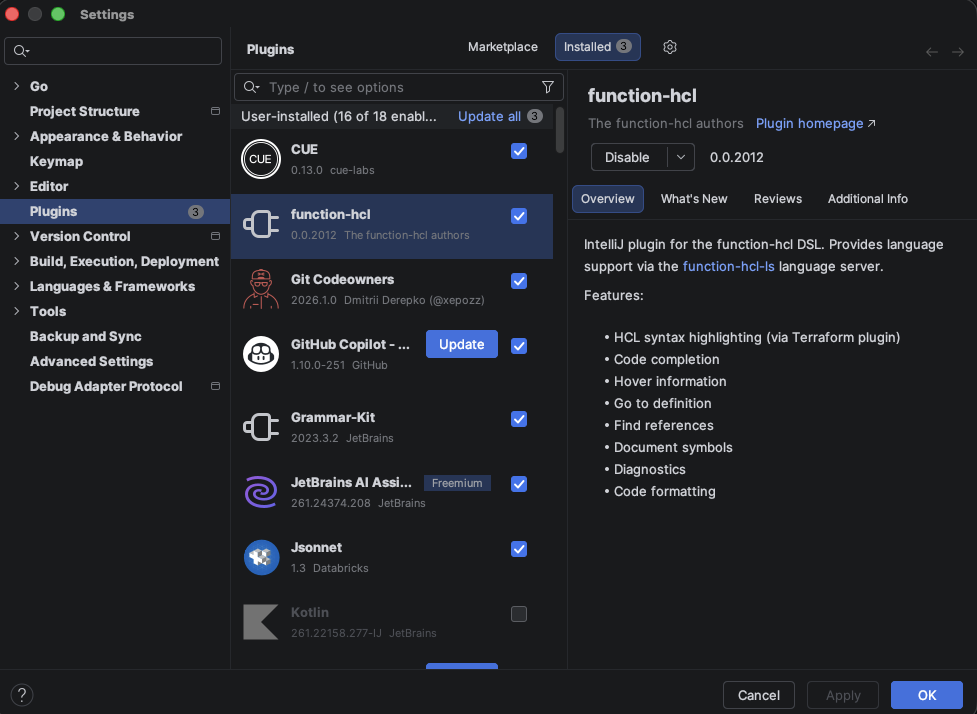
Jetbrains products
Install the function-hcl plugin as shown below.
Post-install
Follow the instructions on this page to register types with the language server.